

Back to gallery
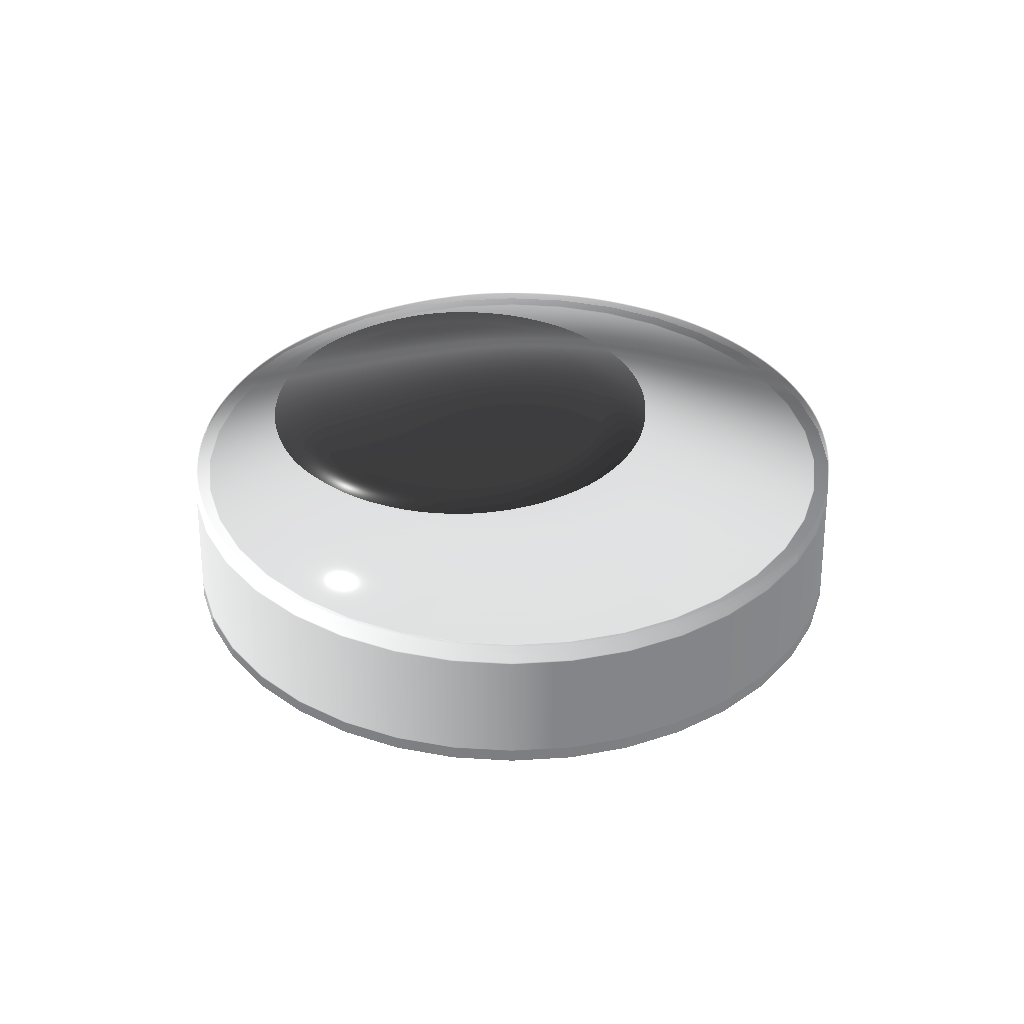
Prefab preview
Prefab
 Created by
rerere284
Created by
rerere284
Googly Eye 2x2f (wire)
Created by
rerere284
Fun to stick on stuff, and make em your lil buddy. Features: . handles framerate variation . the physics sleeps, instead of running forever To adjust size: 1. Resize the base to desired size. 2. Move the microchip with the move tool/resizer (not cut+paste) to the center of the eye. 3. Open the microchip by right clicking it with the connector. 4. Adjust the glowing variable inside the microchip, it's labeled "Eye Size". Use the applicator to set the variable to the new size, in studs. (supports portions of a stud e.g. 0.2 for one microbrick) Sizes tested: 1x1, 2x2, 3x3, 4x4, 100x100
likes
13 views
View in game
- Published
- October 30, 2026 at UTC
- Updated
- October 30, 2026 at UTC
- Version
- 1
- Share code
k0h-60c-m0s
Googly Eye 1x1f (wire)
2
19
A D REX (able to turn)
1
37
Find Nearest aka Closest
3
37
Pixel Text Decal Maker
4
51
Random (avoids repeated numbers)
0
28
Interactive Slider Input (rigid)
2
42
Sound & Musical Instrument
1
40
Pumpkin Sports Ball (works)
3
37
Most Recently Changed Input
0
15
Get Location and Rotation of This Gate Gate
0
22
Get Player Is Ducking aka Crouching
1
57
Interactive Dial Input (works, rigid)
2
49


